
How one interactive graphic let a European recruitment software company show its whole product
- 1
- interactive graphic covering every sub-product, animated in JavaScript so a visitor moves through it as they scroll, built for the website and for the company's own sales conversations
- 3
- languages complete on publication day: English, French and Dutch
- 22
- pages in the agreed scope, 19 marketing plus 3 legal from a single style guide, before pricing, about, book a demo and a comparison-guide collection were added on top of the same system
TL;DR
Challenge
A recruitment software company selling to mid-size staffing agencies across Europe. The product had grown across several sub-products and the website showed a fraction of it. There was also no structure built for growth, so adding the page types this category needs, comparison pages, case studies, industry pages, meant inventing something each time.
Solution
A style guide agreed before the first page, then 19 marketing pages and 3 legal pages built from it in Webflow. At the centre, a single interactive graphic holding every sub-product in one view, animated in JavaScript and driven by scroll. Blog migrated, three CMS collections built for the marketing team to publish from, heading architecture, schema and a one-to-one redirect map in during the build, consent wired so Google's tags only run with permission, and the whole thing launched in three languages at once.
Outcome
A trilingual site live and complete on day one, a marketing team publishing blog posts, case studies and comparison guides without a developer, and a scope that grew past its original size on the same system.
Key facts
- Industry
- Recruitment and staffing software
- Segment
- Software sold to mid-size staffing agencies
- Market
- Europe, trilingual
- Services
- Website design, interactive graphic design, Webflow development, blog migration, CMS build, technical search and answer engine optimization
- Stack
- Webflow, Webflow CMS, Webflow Localization, Finsweet Cookie Consent
A website that showed less than the product had become
The company sells recruitment and staffing software to mid-size agencies across Europe. The product had grown across several sub-products, and the website had not moved with it, so the site represented neither the software at the level it had reached nor the company behind it.
A prospect arriving from a search or an outbound message met a smaller company than the one they were about to talk to. That gap costs more than it looks, because it does its damage before anyone picks up the phone.
Underneath it was structural. There was no system built for growth, so every new page type was invented from scratch, and this category needs a lot of page types.
The real problem was comprehension, not design
The software does a great deal across several sub-products. A feature list does not convey that: a reader scans eleven bullet points and leaves with none of them, and the more the product does, the worse the list performs.
This is the problem a visual refresh cannot touch, and it is why most rebuilds in this category disappoint. The pages come back better looking and the prospect still cannot hold the product in their head.
What Max Performance changed
1. One interactive graphic holding the whole product
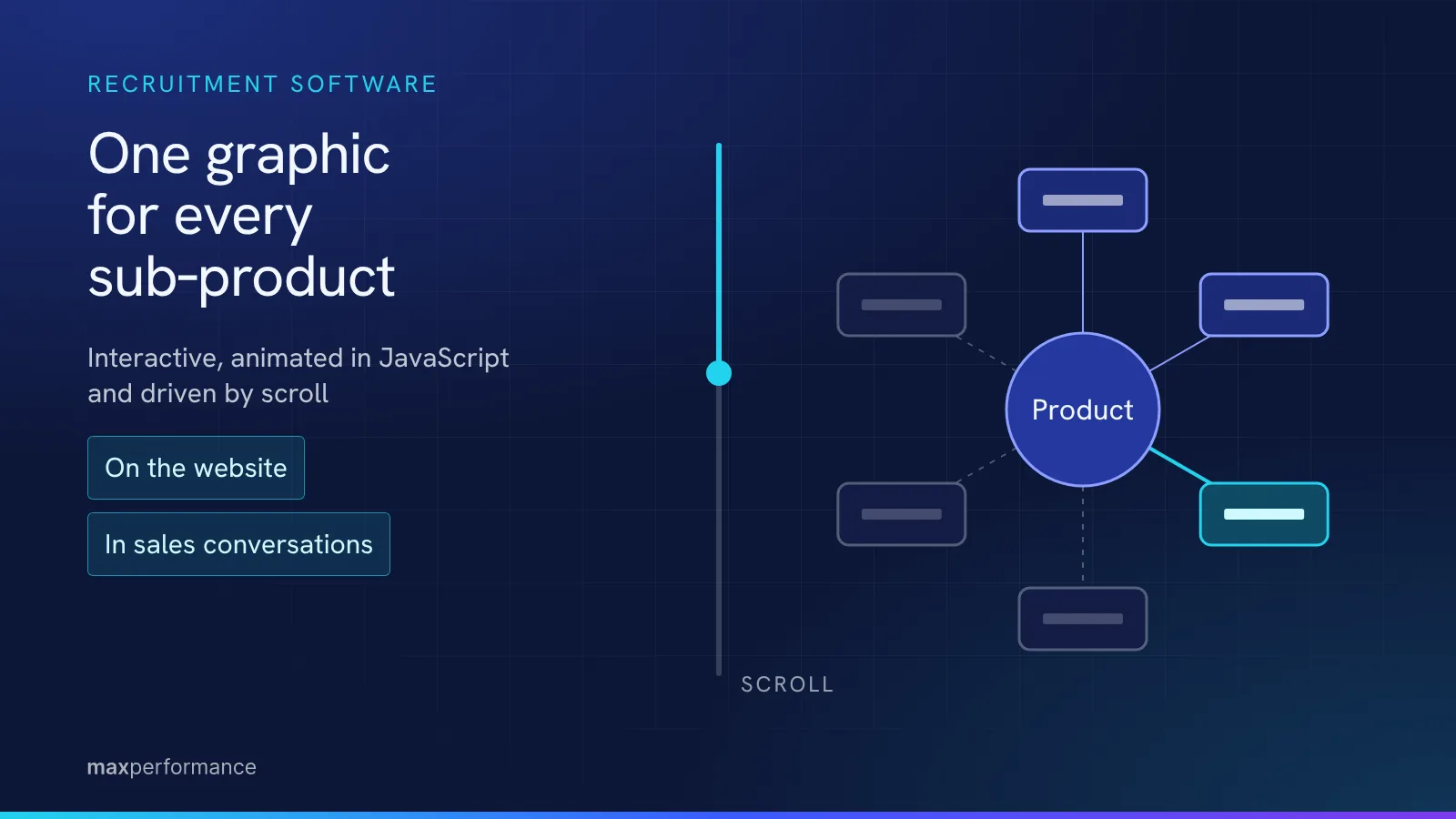
Max Performance designed a single interactive graphic covering every sub-product in one view, animated in JavaScript so the visitor moves through it as they scroll rather than reading a static diagram.
It was built to work in two places at once: on the website, and in the company's own sales conversations and decks. The version of the product a prospect sees before a call is now the same one they are shown during it, which is rarer than it sounds and is usually where a sales conversation loses its first five minutes.
2. A style guide before page one, and what that bought later
Max Performance agreed a style guide before building a single page, then designed and built 19 marketing pages plus 3 legal pages from it, including the 404 and the consent layer that normally get left to the last afternoon.
Twenty-two pages built without a style guide produce twenty-two slightly different pages. Built from one, the later pages cost a fraction of the early ones.
The test of that arrived after the original scope closed. Pricing, about and book a demo were added, along with a whole comparison-guide collection running on its own single-page template. They cost what later pages should cost, because the patterns already existed. That is the real measure of a build, and it only shows up once the project is supposedly finished.
3. Three CMS collections the marketing team publishes from
The existing blog was migrated, and Webflow CMS collections were built for blog posts, case studies and comparison guides, the last on its own single-page template.
This is what decides whether a company is looking for another agency in eighteen months. A marketing team that can publish a blog post, a case study or a comparison page itself does not accumulate a backlog of small requests, and the site does not drift away from the product again.
4. Search and answer engine structure in during the build, not after
The heading architecture, the schema and a one-to-one redirect map went in while the pages were being built rather than as a pass at the end.
Added afterwards, technical search work is a list of corrections applied to decisions somebody else already made. Built in, it is a property of the templates, so the new pages the marketing team creates inherit it without anyone remembering to apply it.
5. Consent handled properly rather than bolted on
The consent layer was built with Finsweet's Cookie Consent and wired so Google's tags only run once a visitor has consented, which is what makes a setup GDPR compliant rather than merely GDPR themed.
On a site selling to European staffing agencies, whose own buyers ask hard questions about data handling, shipping that broken is worse than shipping it late.
Three languages, complete on publication day
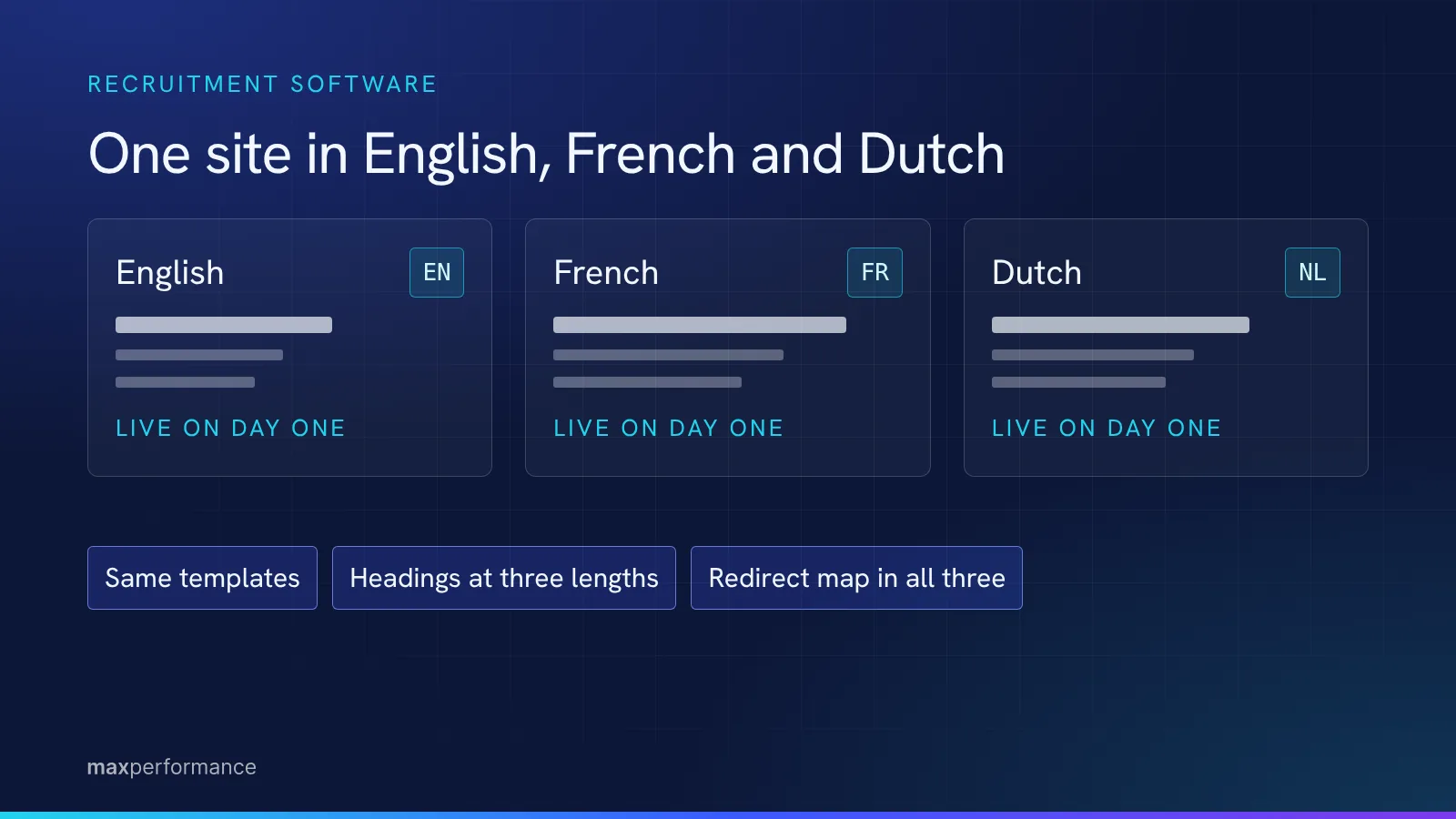
The site went live with English, French and Dutch all complete. Not English first with translations to follow, which is the usual compromise and the one that leaves two thirds of a European market reading the wrong language for a quarter.
Shipping trilingual on day one puts the weight on the structure. Every template has to tolerate text that expands, every heading has to work at three different lengths, and the redirect map has to be correct in three languages at once rather than correct once and then twice more later.
Outcomes
One graphic carrying the product, on the site and in the room
The company presents the same version of its software in both places.
Twenty-two pages in scope, from a single style guide
19 marketing plus 3 legal, each built from patterns agreed before the first page.
A scope that grew without the system breaking
Pricing, about, book a demo and a comparison-guide collection with its own template, all added on top.
Three CMS collections published without a developer
Blog posts, case studies and comparison guides.
Three languages live on publication day
English, French and Dutch, complete at launch rather than staged.
Search performance: measured from January 2027
The site went live in October 2026. There is no honest traffic or ranking figure yet, and this section carries real numbers once there are 90 days behind it rather than an estimate now.
Why it worked: the handover was in the scope, not at the end
The CMS collections and the style guide were in the scope on day one, not added at the end because somebody asked who would be updating the site.
That ordering is the whole difference. Scoped at the start, the templates get built so a non-developer can fill them. Added at the end, the handover is a training call and a document, and the drift starts the week after launch.
Max Performance built 22 pages here and then the scope grew past them. What was delivered was the system that absorbed the growth.
What this means for other recruitment software companies
Recruitment software sells against a crowded field, so the site has to carry comparison pages, case studies and industry pages, and those are exactly the page types that multiply. A site that cannot grow without a developer is the wrong shape for this category.
And if your product does a lot, no amount of copy fixes a comprehension problem. That is a design problem with a design answer, worth solving once, properly, as an object that works on the site and in a meeting.
Three things worth taking from this:
- Put the CMS collections in the scope, not in the handover. Ask which page types your marketing team will be able to create alone after launch. A vague answer means none of them.
- Agree the style guide before page one. It is what makes page nineteen cheap and what lets page twenty-three exist at all.
- Solve the comprehension problem once, as a design object, rather than rewriting the same bullet points across six pages.
There is more in how this was built than belongs on a page. Max Performance walks through it on a call, against your own product.
 Book a Gap Audit